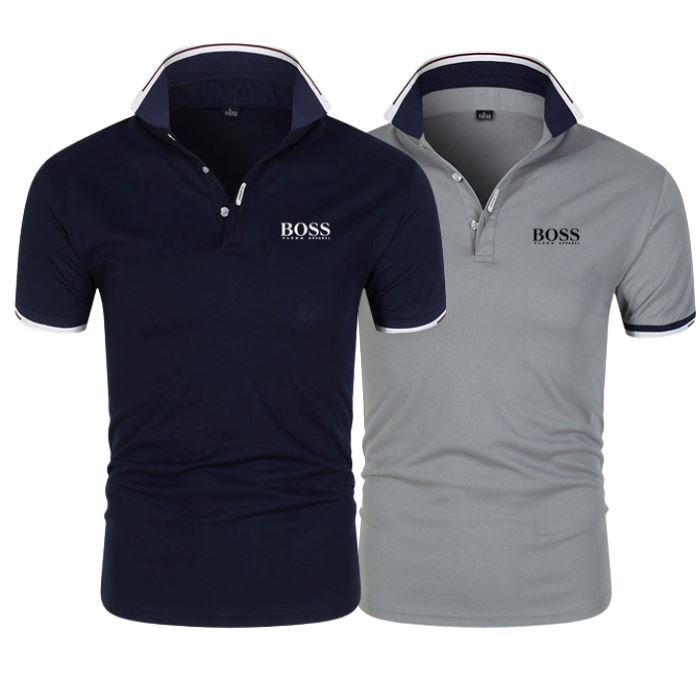
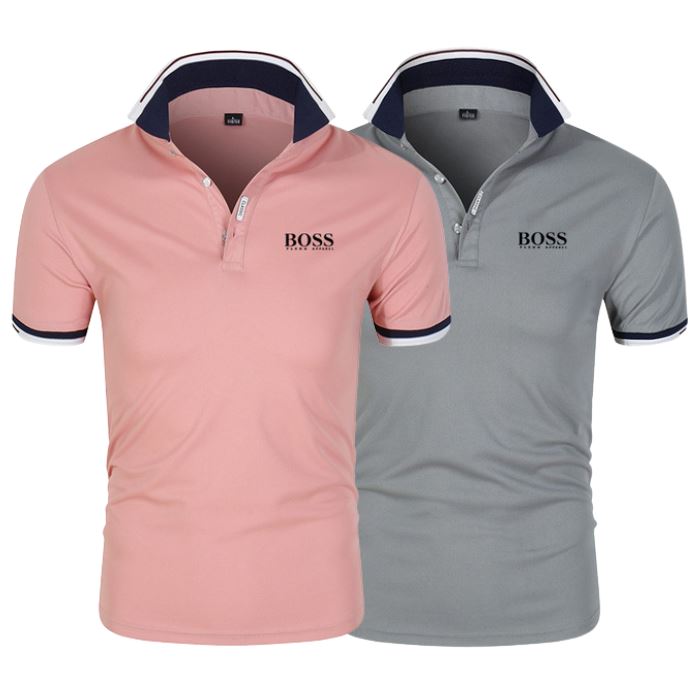
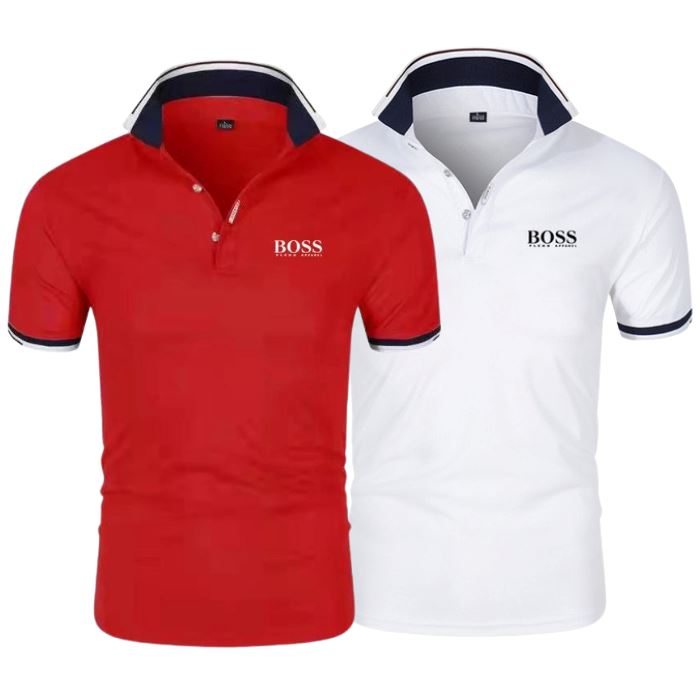
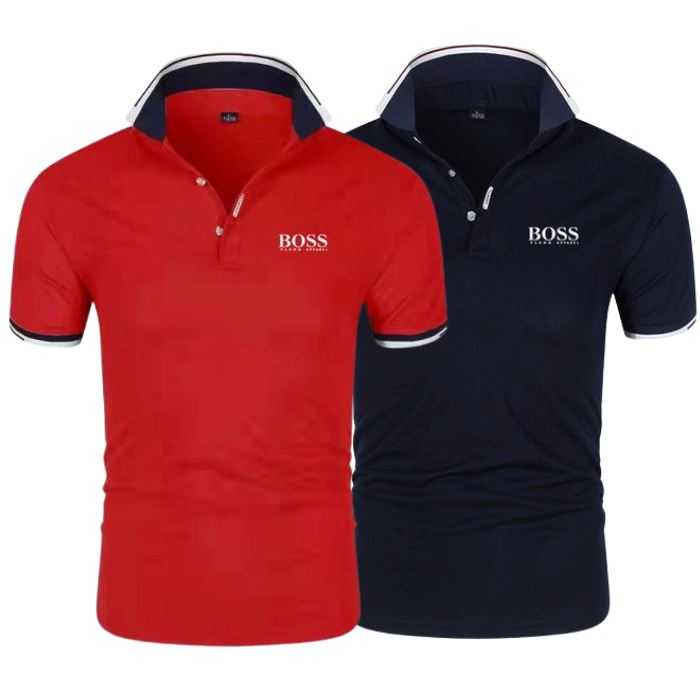
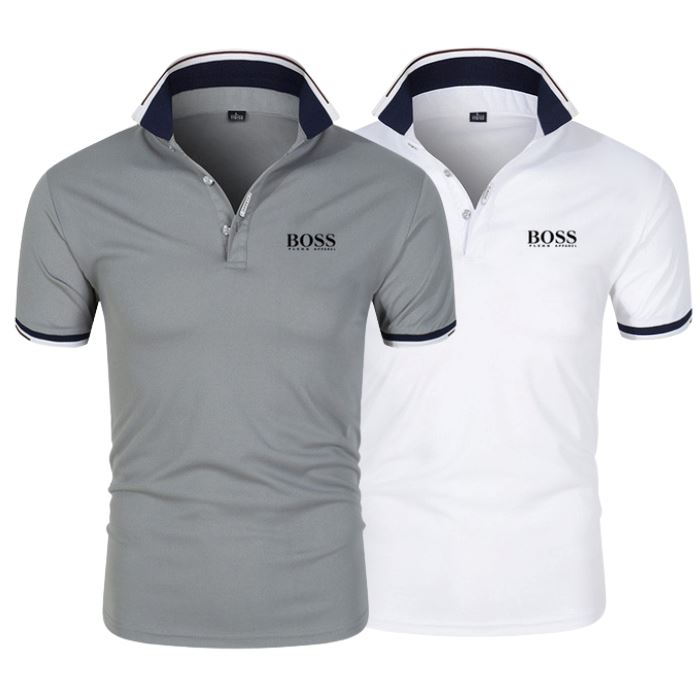
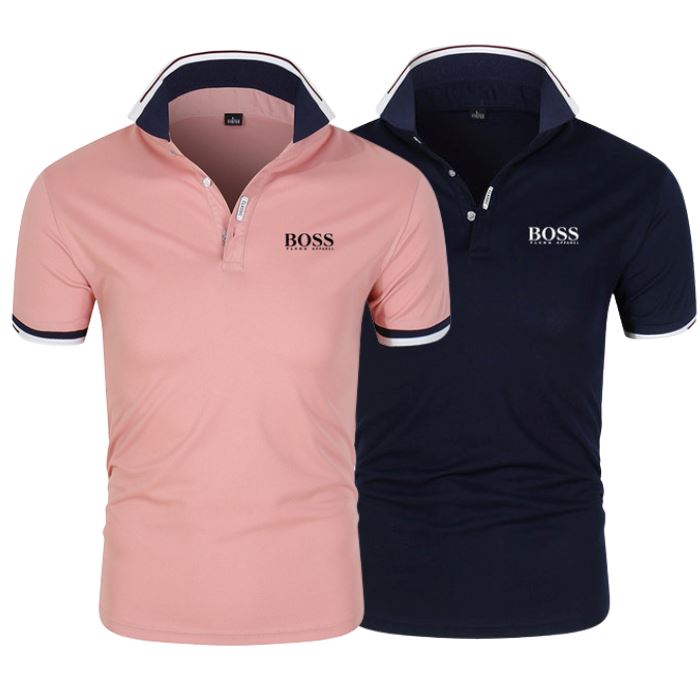
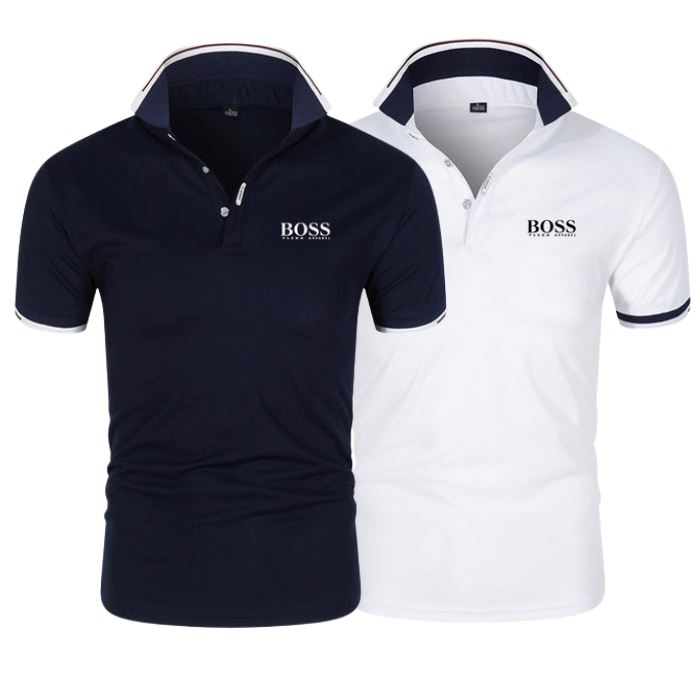
em até 12x de
Entrega via e-mail logo após a compra.
Hacks de Photoshop para mockups em videoaulas.


 Promotion valid until stocks last.


Arthur R. Mendes
I'm just starting out with my clothing brand, and Mockup Mania's mockups have simply saved me!
Before, I had a lot of trouble promoting my pieces and standing out. Now I can quickly apply designs and test different versions directly on Instagram and TikTok. It has helped me a lot!
João Pedro G.
Another level, truly... it delivered above and beyond.
As a designer, I used the mockups to build my portfolio and present proposals to my clients. The quality was striking, and I received many compliments on the final result. Plus, it's extremely simple to use.
Rafael P. Santos
Dude, what kind of innovation is this? The 3D mockups look like a video game, but with clothes, it exceeded all my expectations.
I'm already using it directly on my social media. I highly recommend it
Everything is very simple and straightforward — even if you've never worked with 3D or Photoshop before. By following the steps below, you'll be able to easily apply your artwork to the Mockups:
1. Acquire the desired model:
Choose the mockup model you want to use (or the Premium Pack with all of them) and complete your purchase.
2. Install the necessary software:
You will need two free programs: Photoshop (or Photopea, if you prefer to use it online) and Blender.
Don't worry: we'll show you how to download, install, and configure everything correctly in the lessons.
3. Access the files and tutorials:
As soon as the payment is approved, you will receive access by email with all the files (.PSD + .BLEND) and video lessons showing everything step by step.
4. Customize with your design:
Open the file in Photoshop, apply your design, and save. Then, in Blender, you'll see the magic happen — your piece coming to life with realistic 3D animation.
5. Export your video with a professional look:
With everything ready, you can export your animated mockup as a video and share it on your Instagram, TikTok, store, or wherever you want.
No! Even if you don't understand anything about 3D or Photoshop, everything will be taught in video lessons. We've thought of everything to make it as easy to use as possible.
After payment is confirmed on the website, access to the files and lessons will be released automatically. You will receive everything by email in a few minutes.
The software for editing Mockups are: Photoshop and Blender. But don't worry, we'll teach you how to download and install both programs, and we also have lessons showing you how to edit!
No, to use the Mockups you need a computer (even a more basic computer/laptop) to download and install the software used for editing and rendering them.
?? Produto adicionado com sucesso.
